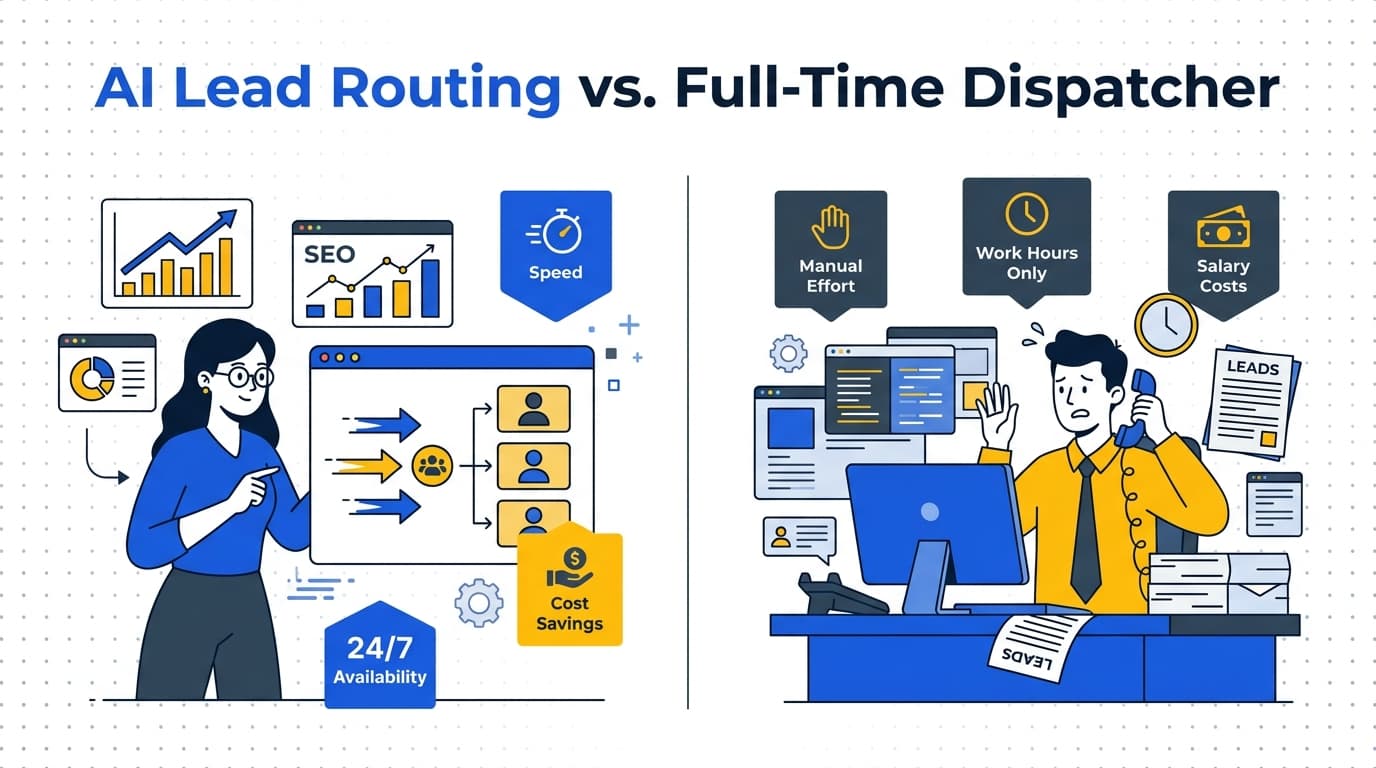

The phone at a plumbing, HVAC or cleaning company rings at the worst possible moments: when the owner is on a ladder, under a sink, in an attic or driving between jobs. Some of those callers never leave a voicemail, and a web form that lands in an inbox overnight is read after the customer has already booked someone else. The five automations in this guide exist to close exactly those gaps, without hiring a dispatcher to sit by the phone.
Key Takeaways
- Instant inquiry response, missed-call text back, automated booking, review requests and CRM pipeline tracking cover a service business from first contact to finished job.
- US carriers require businesses that send texts from a standard 10-digit number to register for A2P 10DLC, and unregistered business texts face carrier filtering.
- Google Maps policy bans offering discounts or payment for reviews and bans asking only happy customers, so an automated review request should go to every customer after every job.
- A well-built automation hands a conversation to a person as soon as the customer asks for one or the question needs judgment, such as a pricing exception or a complaint.
What AI Automations Do For A Local Service Business
Strip away the buzzwords and an automation is a rule: when this happens, do that, right away, every time. A form is submitted, so a text goes out. A call is missed, so the caller gets a message. A job is marked complete, so a review request is sent. The “AI” part is what lets the system hold a short conversation in plain language: asking what the problem is, which ZIP code the customer is in and how urgent it is, then offering a time slot.
What automation should not do is pretend to be your best technician. It cannot see the corroded fitting or hear the compressor, and it should never quote a price you have not set. The five below handle the repetitive first steps, the same questions and the same reminders, so that you and your team spend your time on quotes, diagnoses and the conversations that need a person.
1. Instant Response To Every Form And Inquiry
The moment someone submits the form on your site or messages your business page, they get a reply within seconds by text, with your business name and a question that moves things forward, for a plumber something like: “Thanks for reaching out. Is water actively leaking right now, or can this wait for a scheduled visit?” Their answer decides the next step: emergencies ping the on-call tech, routine jobs get a booking link.
This only works if the form feeds the automation directly. A form that sends a plain email to a shared inbox has to be rebuilt so each submission goes straight into the system with the name, phone number and job type as separate fields. When we build a site through our web design and development service, the contact form and click-to-call are wired into the follow-up from day one, rather than bolted on later.
2. Missed-Call Text Back
When a call goes unanswered, the caller gets a text within seconds: “Sorry we missed your call. What can we help with? Reply here and we'll get back to you.” A caller who would have dialed the next company on the list now has a reason to wait, and your team has the problem in writing before calling back.
There is one technical requirement that is easy to miss. US carriers have adopted a standard called A2P 10DLC (application to person, 10-digit long code), and Twilio's documentation states that anyone sending text messages from an application to US numbers over a regular 10-digit number must register for it. Registration describes your business and the kind of messages you send; unregistered traffic is filtered and penalized by carriers. A missed-call text back that was never registered can go quiet without any error on your end, so registration belongs in the setup, not as an afterthought.
Consent matters too
Texting someone who just called you about a job is a reply to their inquiry. Marketing texts to a list are a different matter and need clear opt-in consent, which is why a good setup keeps the two kinds of messages separate.
3. Automated Appointment Booking
Every round of “does Tuesday work?” is a chance for the customer to go quiet. Automated booking offers real open slots from your actual calendar, not a generic form asking for a “preferred time.” The rules are yours: how long each job type takes, travel buffers between neighborhoods, which ZIP codes you serve on which days, and which jobs need a phone call before anything is booked.
Once a slot is picked, the system sends a confirmation right away, a reminder the day before and an “on the way” text when the tech leaves. Those messages are there to prevent no-shows and “what time are you coming?” calls.
4. Review Request Automation That Follows Google's Rules
The best time to ask for a review is right after the job, while the customer is still looking at the fixed water heater or the cool living room. An automation sends the request when the job is marked complete in your system, with a direct link to your Google review form, and sends one polite reminder a few days later if nothing comes back.
The rules around this are strict. Google Maps' policy on prohibited and restricted content bans offering incentives (payment, discounts, free goods or services) in exchange for reviews, and bans discouraging negative reviews or selectively asking only happy customers. Some review tools still send unhappy customers to a private survey and only happy ones to Google; that practice breaks the policy. Our review and reputation management service sends the same request to every customer and alerts you to new reviews so you can reply quickly.
5. CRM And Pipeline Automation
Faster responses mean more conversations, and more conversations need somewhere to live that is not a notebook in the truck. Pipeline automation puts every inquiry into one place and tags it by source (the website, a call, an ad, a referral), by service type and by stage: new, contacted, quoted, booked, completed. When a quote has sat for three days without an answer, the system reminds your team or sends a follow-up text on its own.
The payoff is knowing, with real numbers from your own business, which sources produce booked jobs and which only produce tire kickers. That answer tells you where next month's marketing money should go, and which quotes are worth a second call. Our CRM and customer follow-up service connects your forms, phone system and calendar to the CRM, whether that is one you already use or a new setup.
Which AI Automation For A Service Business To Set Up First
Start where inquiries are being lost today. For most owners that is instant inquiry response or missed-call text back, because they close the gap in the first minutes after someone reaches out. Booking and review requests come next, and the CRM pipeline ties it together. Most automation systems are mapped, built, and live within 2 to 3 weeks, depending on how many workflows and integrations are involved. AI phone answering alone is usually live within one week, and it can be configured for English plus Spanish, Ukrainian or Russian. Our process runs in four steps:
Step 1
Map your inquiry flow
We trace how inquiries reach you today and find every point where follow-up is slow, manual or falling through the cracks.
Step 2
Design the workflows
We write the automation rules and AI conversation flows for your services, from first contact to booked appointment.
Step 3
Connect your tools
Your website, CRM, calendar and phone system get wired together so each one updates the others.
Step 4
Launch and refine
We launch, watch real conversations and outcomes, and adjust the workflows as your business grows.
Not sure which of the five you need first?
Book a free 15-minute audit. We'll look at how inquiries reach you today, show you where they slip, and tell you which automation to start with. Or call (424) 512-1132.
The Bottom Line
The five AI automations every service business needs are instant inquiry response, missed-call text back, automated booking, review requests sent to every customer, and a CRM pipeline that tracks each inquiry to a booked job. Register your texting number for A2P 10DLC, follow Google's review rules, and make sure a person can always take over the conversation.
AI Automation Questions From Service Business Owners
Automation feels impersonal when it pretends to be a person or traps the customer in a loop, while a fast text that uses your business name and hands off to your team feels more attentive than a late callback.
Most automation systems from Platinum Web Studio are mapped, built, and live within 2 to 3 weeks, depending on how many workflows and integrations are involved, and AI phone answering on its own is usually live within one week.
US carriers require businesses sending texts from an application over a standard 10-digit number to register for A2P 10DLC, according to Twilio's documentation, and unregistered traffic faces carrier filtering, so registration should be part of any text-back setup.
Google Maps policy on prohibited and restricted content bans selectively asking only satisfied customers for reviews and bans offering discounts or payment in exchange, so an automated review request should go to every customer after every completed job.
A properly built automation recognizes a request for a person, or a question that needs judgment such as a pricing exception or a complaint, and immediately notifies your team with the conversation so far so someone can take over.
Platinum Web Studio usually builds the workflows around the CRM, calendar and phone system a business already uses rather than forcing a switch, connecting website forms and calls so every inquiry lands in the same pipeline.
Inquiries that arrive at night or on weekends get the same instant text reply and booking link as daytime inquiries, so a form submitted at 11pm is answered right away instead of waiting for the next morning.
Most small service businesses should start with instant inquiry response or missed-call text back, because those two close the gap in the first minutes after a customer reaches out, when a customer is still deciding who to call.